
/
Pi-Apps Logo


Pi-Apps logo

The Raspberry Pi App Store

Simplicity

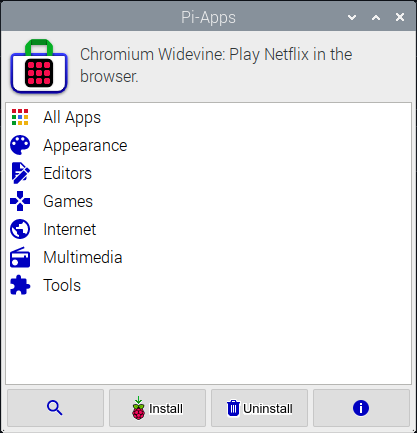
Featuring an easy to use interface, you can install programs with a click of a button.

100+ Apps and Counting

Pi-Apps contains a wide selection of useful programs, such as Zoom, Minecraft Java, Firefox Rapid Release, and much more.

Community

Pi-Apps has a great, supportive community, where you can get help if anything doesn't work like it should.

Compatibility

Pi-Apps is compatible with Debian-based operating systems for Raspberry Pies, like Raspberry Pi OS and Ubuntu.


Installing:

To install Pi-Apps, make sure you have an Internet connection and then run the following command in a terminal:

wget -qO- https://raw.githubusercontent.com/Botspot/pi-apps/master/install | bash
		

Uninstalling:

To uninstall Pi-Apps, execute this command. It will not uninstall any apps installed using Pi Apps.

~/pi-apps/uninstall
		
wget -qO- https://raw.githubusercontent.com/Botspot/pi-apps/master/install | bash ~/pi-apps/uninstall


File Icons

Pi-Apps for Raspberry Pi


The most popular app store for Raspberry Pi computers. 100% open-source bash scripts (including the GUI).